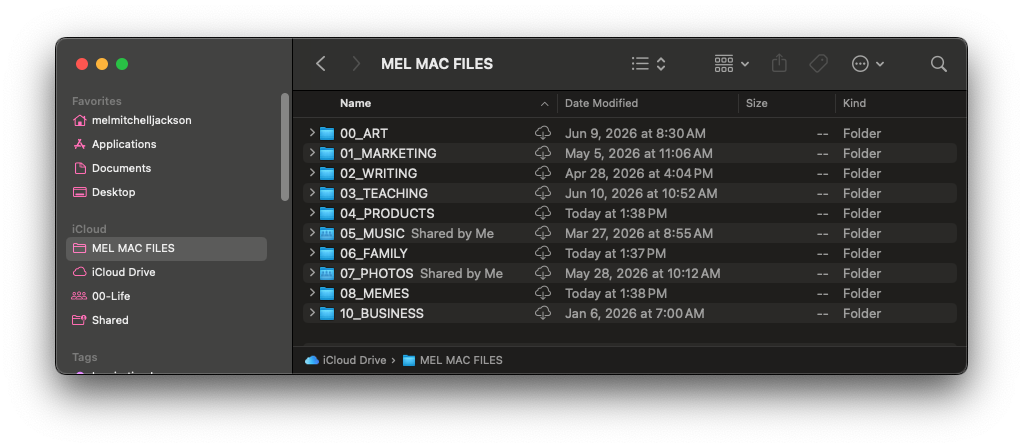
does this look like a
familiar problem?
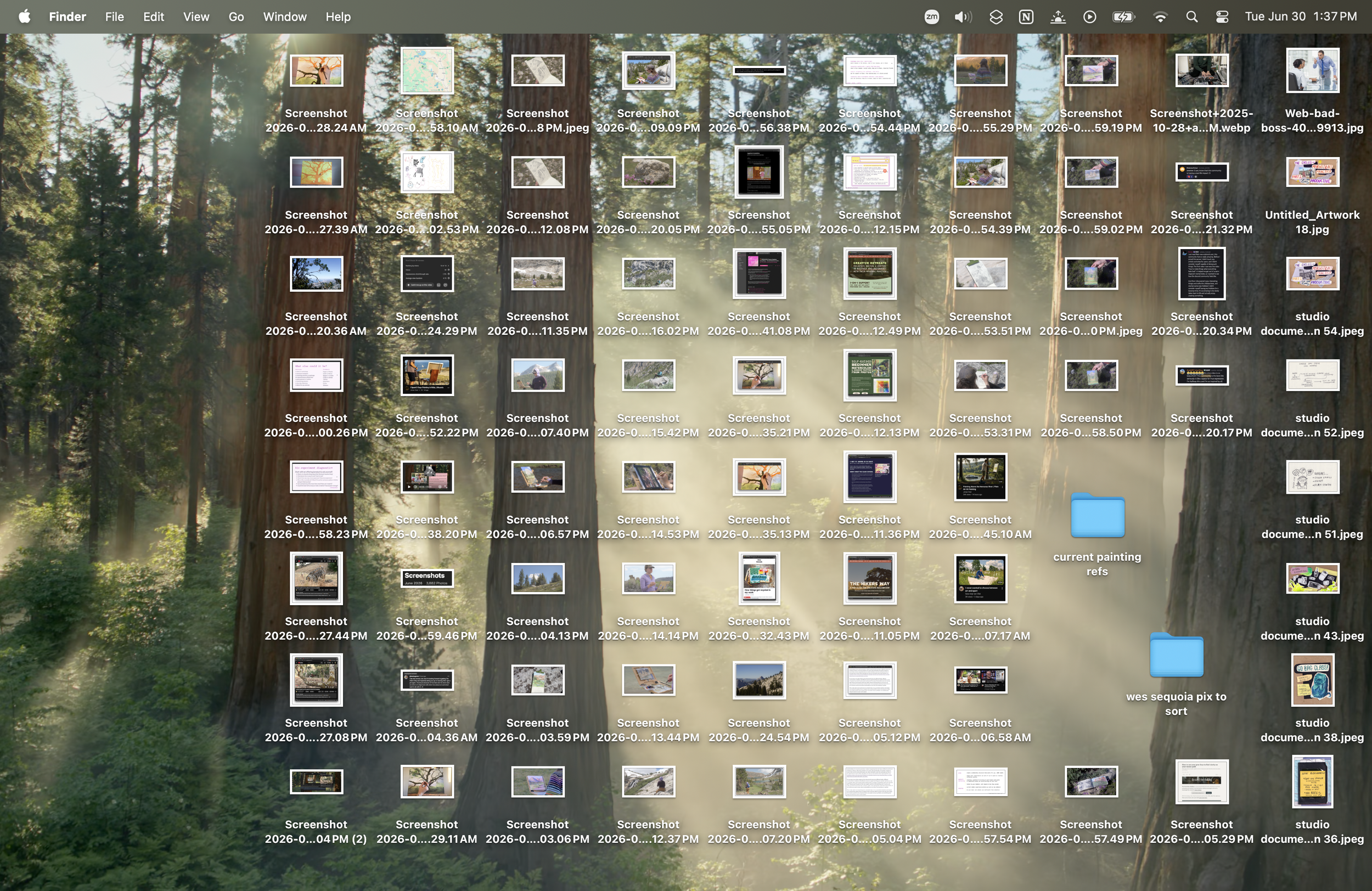
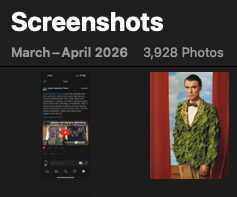
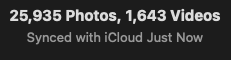
one you try to solve over and over
but you’re ready to finally
make time for
we’re going to tackle
the chaos together in
The Week of
the Archivist
learn systems and strategies to finally manage your digital doom piles, notes app, screenshots, and phone. no ai, just real talk about a slow process of integration that works.
this class is now on demand
Watch at your own pace and follow along with us. You’ll see a short demo on a specific system I use, and then we will virtually body double to get shit done together.
Does maintaining your digital life always feel like a boring chore, totally separate from the “point” of your larger practice?
In the Week of the Archivist Class Recording, you’ll learn how to build a repeatable integrative cycle for your creative practice by going through your digital stuff and knowing how to mine it for inspiration instead of scrolling.
Want to learn more about each session? See the full Class Page by clicking here
Upon purchasing you’ll get a document with an access code to the class recording.
Mel is a genius, not only in the art side, but also in the tech side and that is the perfect combination to be the right person to help you clean up your digital space and create better digital record-keeping and systems to help feed your creative practice. Tech-focused spaces won't help you with creating something that serves the art, and I haven't seen any art spaces helping with the digital and organisational side of your practice. Mel shows you how to do both and you walk away with a working system that feeds your thinking and creative practice with exactly what interests you. Take the time now to set something up that will continue to be generative years into the future."
Percy S. - Week of the Archivist LIVE Class Student
week of the archivist
daily learning outcomes
Each session starts with a gentle check-in, agenda, and 20-40 minute demo followed by recorded structure of body-doubling to get shit done.
-
Instead of trying to batch delete and put images to work on a tiny phone screen — a place full of potential distractions and rabbit holes — we will go through them on a computer and give them a job.
I’ll show you my Screenshot Brain in Notion and you’ll get to decide “do I give this a job, or do I let it go?”
-
going through our photos is a great way to find inspiration we saved for later and…. completely forgot about. I’ll show you faster strategies for figuring out what you actually want to keep so that you stop paying the cloud overlord for more storage every year.
during our session time you should be able to go through between 1 and 4 months of photos/videos, depending on how many you take on your phone.
-
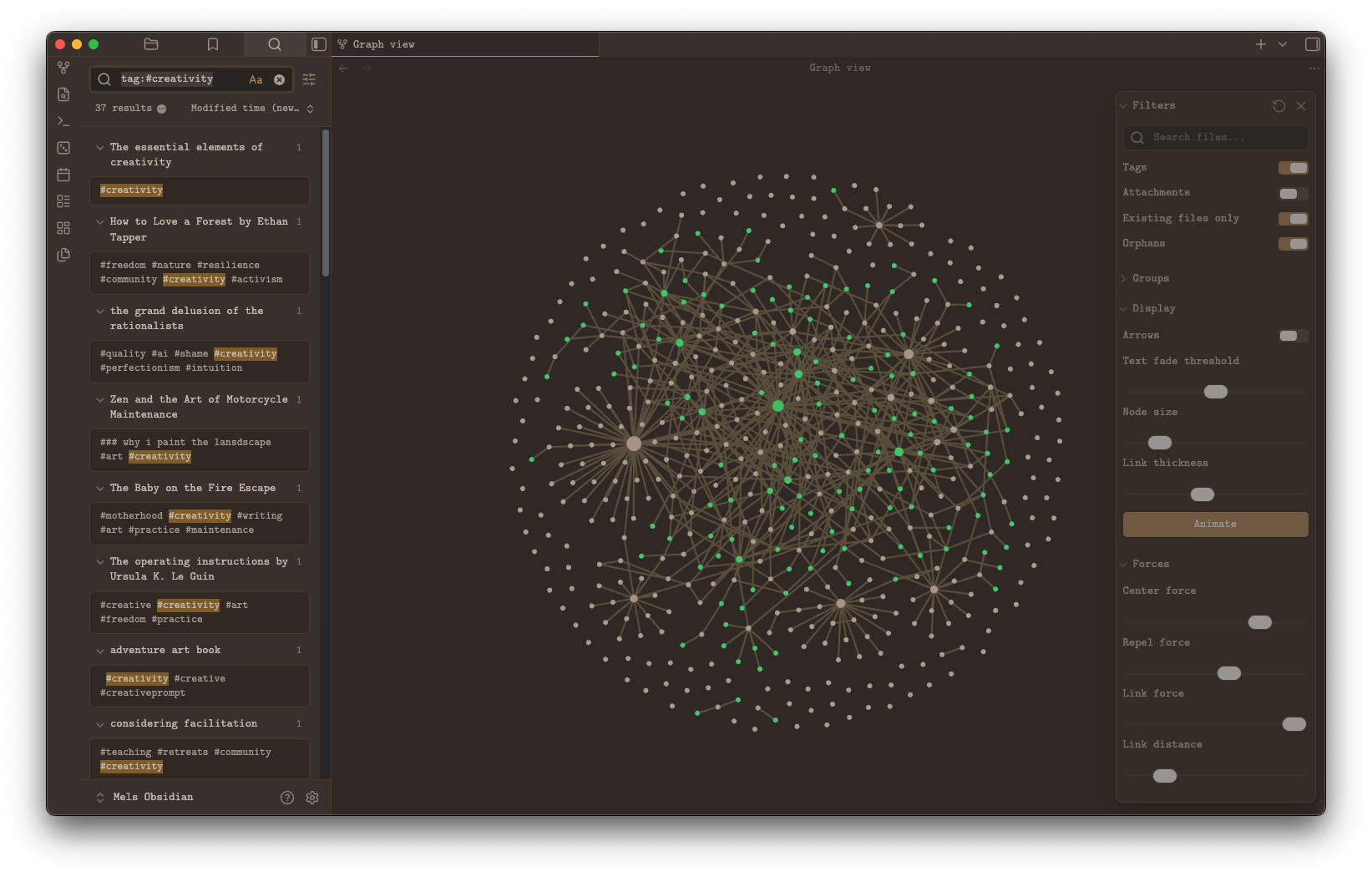
Your poems, essay bits, grocery lists, chaotic scrawlings at 2:30 AM to remind yourself to do that thing tomorrow. The notes app or voice memos is chaotic and beautiful. This place is one of deep abundance and magic. I’ll talk through a scheduled system for going through these notes & give a demo on how to sort them into folders.
-
you’ll listen to a voice note from me on how to go through and delete apps on your phone, this one is a low effort, gentle, no-meeting day because Mondays are hard.
-
Not everything you are currently working on needs to live on your Desktop. I’ll show you strategies for organizing your files by DATE and TYPE. We will also discuss how often to clear out our downloads folder and what to do about big, old, sentimental stuff we aren’t really using anymore.
-
Ok, so we cleaned stuff but now what? Does it go anywhere? and how do we maintain all of that? I’ll show you how I organize my digital garden, talk through the benefits, and offer up some options using Notion or Obsidian depending on the kind of creative human you are. Then, we will play with software, ending class by making a calendar reminder to consistently maintain the work we’ve done.
This class helped me finally get my digital life organized! Mel had a ton of great tips to share, and broke large, seemingly unmanageable tasks down into easy-to-follow routines. I would absolutely take another class with them!”
Kay A. - Week of the Archivist LIVE Class Student
wait, is this a class on
creativity?
yes.
This is a creativity class, not a productivity hack class. You’ll learn how to build a repeatable integrative cycle for your practice by going through your digital stuff and knowing how to mine it for inspiration instead of scrolling.
The methods I’m teaching are what I use to write weekly essays on my work and practice, and to build the soil for my art.
My goal for you in taking this class is to have rich, fertile soil for your own work and an feeling of joy around the practice of maintenance.
want to read an essay on
why i taught this class?
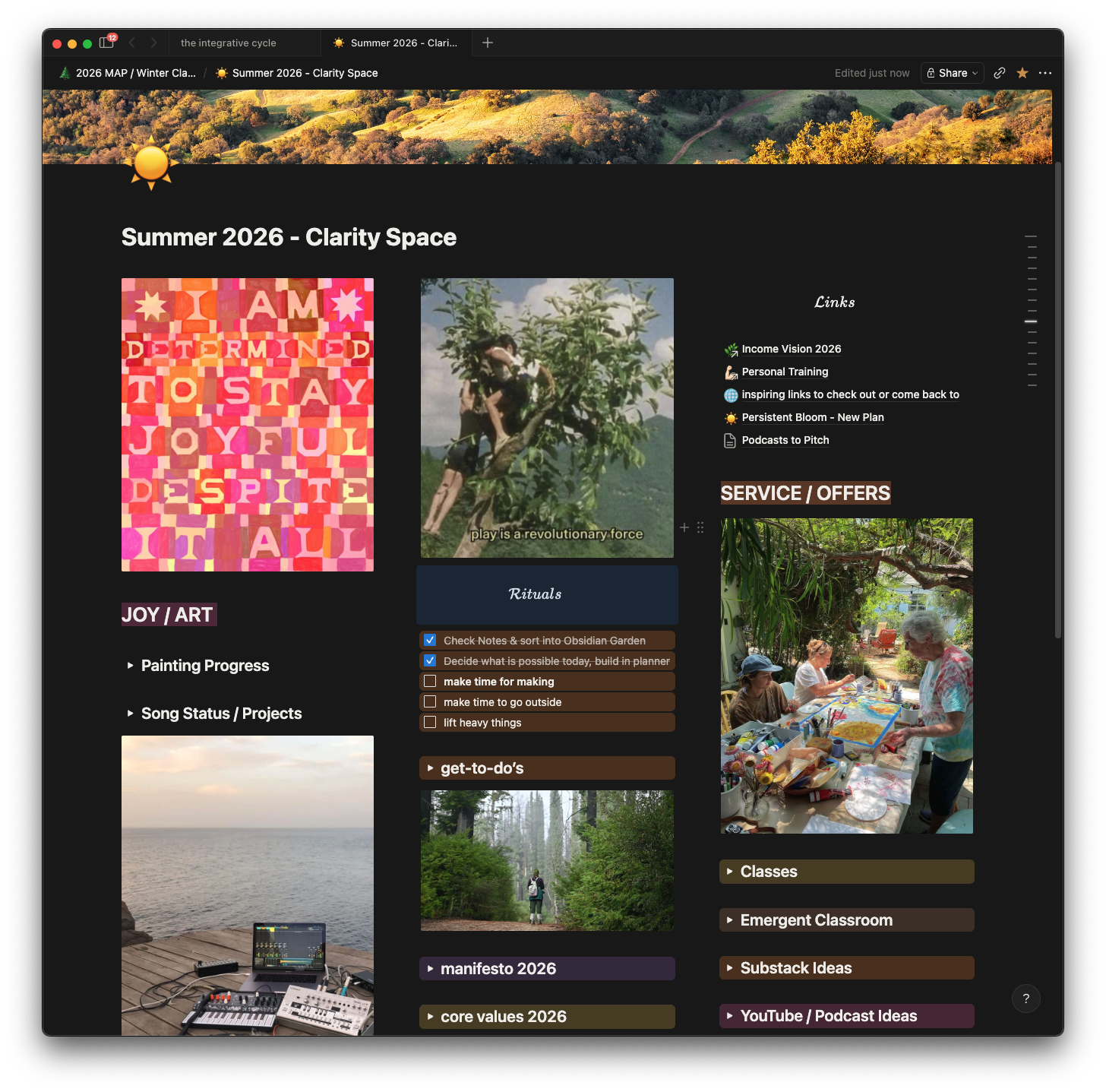
In this newsletter dispatch, i share about the importance of the integrative cycle.
This class will help you root into this integrative cycle yourself. You’ll find connections you’ve hidden away on accident and you’ll walk away with strategies to start scrolling your own ideas instead of that app you always reach for.
FAQ
-
-
This class is for creative people who struggle with object permanence around digital clutter
-
You’ll leave class with an understanding of how to keep a neater and tidier digital presence while not feeling overwhelmed by it. I chronically avoided making a system and lingering in the integrative practice like this for years. This class is for my younger self who always longed for a cleaner computer but kept naming files “This_One_final-FINAL-ACTUALLY_FINAL.psd”
-
it’s very simple, really!
your phone
your computer
(knowing your login for cloud storage if you use it)
the app Obsidian (free, and optional)
the app Notion (free, and optional)
your digital clutter
-
This is entirely the point of my newsletter and YouTube channel! If you like the vibes there, you’ll really love this class.
alright, let’s get started
Does maintaining your digital life always feel like a boring chore, totally separate from the “point” of your larger practice?
In the Week of the Archivist Class Recording, you’ll learn how to build a repeatable integrative cycle for your creative practice by going through your digital stuff and knowing how to mine it for inspiration instead of scrolling.
Want to learn more about each session? See the full Class Page by clicking here
Upon purchasing you’ll get a document with an access code to the class recording.