 Image 1 of 2
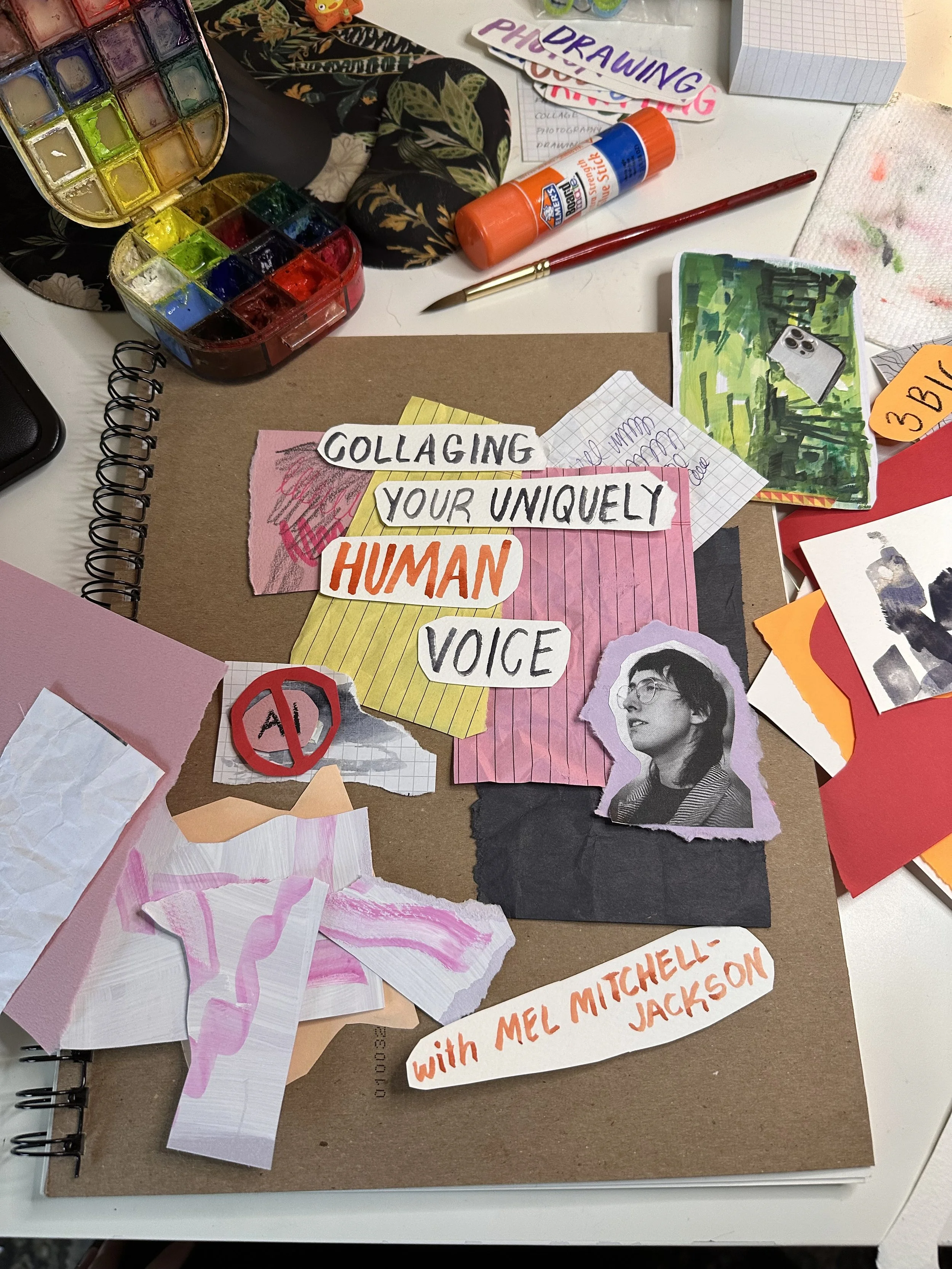 Image 2 of 2
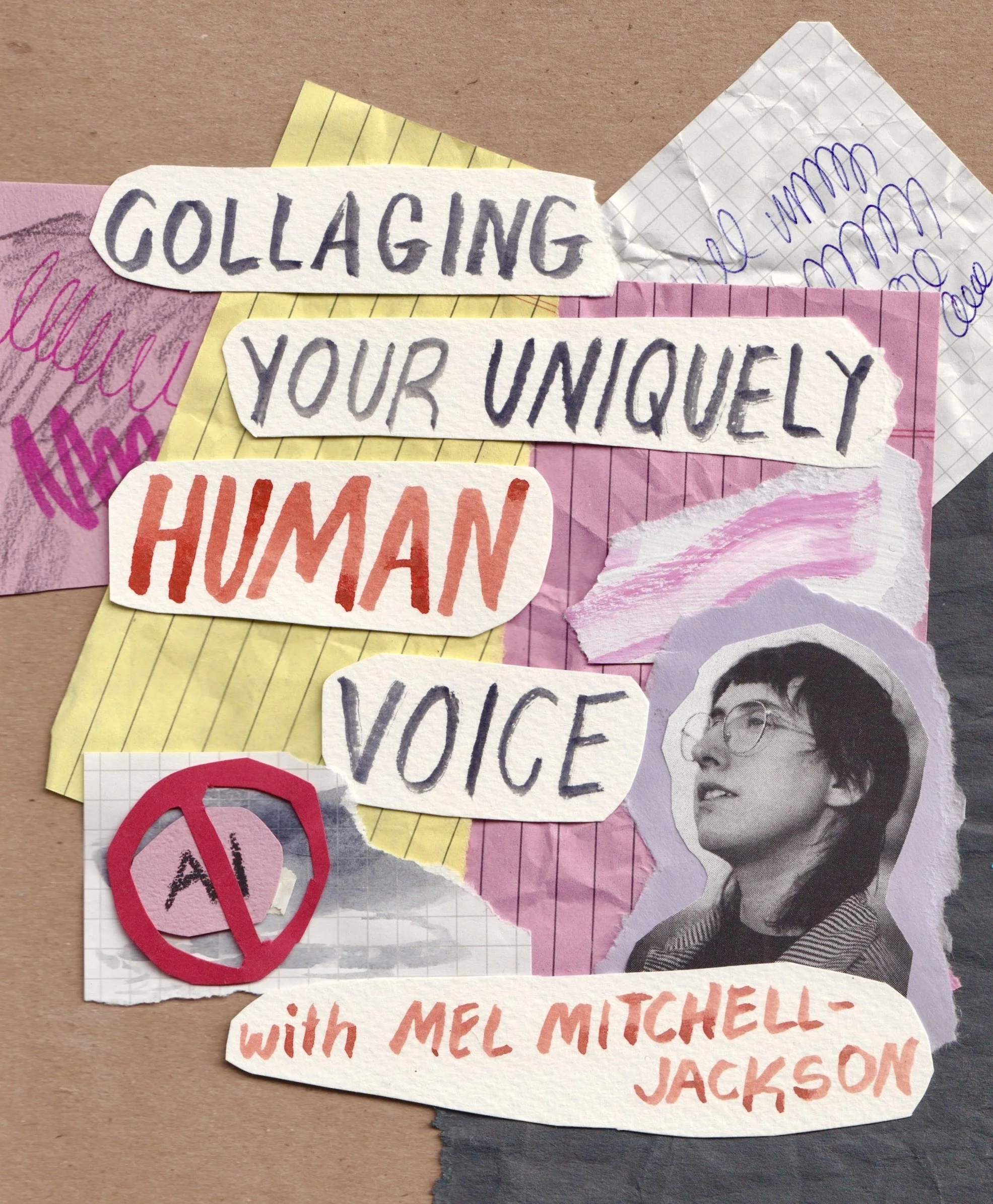
Sick of seeing ai-slop on your feed? This class is all about learning how to be part of the alternative to generated, efficient, robot-made art.
In this self-guided version of my popular collage class, you’ll find your way with analog materials to make flyers, posters, carousel posts, thumbnails, and other materials for sharing things online without ever touching an ai tool.
Play with physical materials, learn to rip, glue, and remix collages while getting in touch with playful supplies from your childhood like crayons and markers.
Build confidence to engage your unique human art brain while working against the need to be good and celebrate making “weird art”
Learn easy methods for scanning images using an iPhone or iPad
Dive into the layout and functions of the software Procreate for iPad. Why are we using Procreate? They have an anti-generative AI stance and their software is incredibly accessible!
Explore intermediate Procreate workflows with layers and masking to make the most of your physical collages and touch them up to look rad wherever you plan to share them.
Note: this class centers around using an iPad and the app Procreate in section 2! No tech is required for class 1, but things are scanned in using a smartphone. Want support with another app or a different system? explore tutoring options instead!
Sick of seeing ai-slop on your feed? This class is all about learning how to be part of the alternative to generated, efficient, robot-made art.
In this self-guided version of my popular collage class, you’ll find your way with analog materials to make flyers, posters, carousel posts, thumbnails, and other materials for sharing things online without ever touching an ai tool.
Play with physical materials, learn to rip, glue, and remix collages while getting in touch with playful supplies from your childhood like crayons and markers.
Build confidence to engage your unique human art brain while working against the need to be good and celebrate making “weird art”
Learn easy methods for scanning images using an iPhone or iPad
Dive into the layout and functions of the software Procreate for iPad. Why are we using Procreate? They have an anti-generative AI stance and their software is incredibly accessible!
Explore intermediate Procreate workflows with layers and masking to make the most of your physical collages and touch them up to look rad wherever you plan to share them.
Note: this class centers around using an iPad and the app Procreate in section 2! No tech is required for class 1, but things are scanned in using a smartphone. Want support with another app or a different system? explore tutoring options instead!